
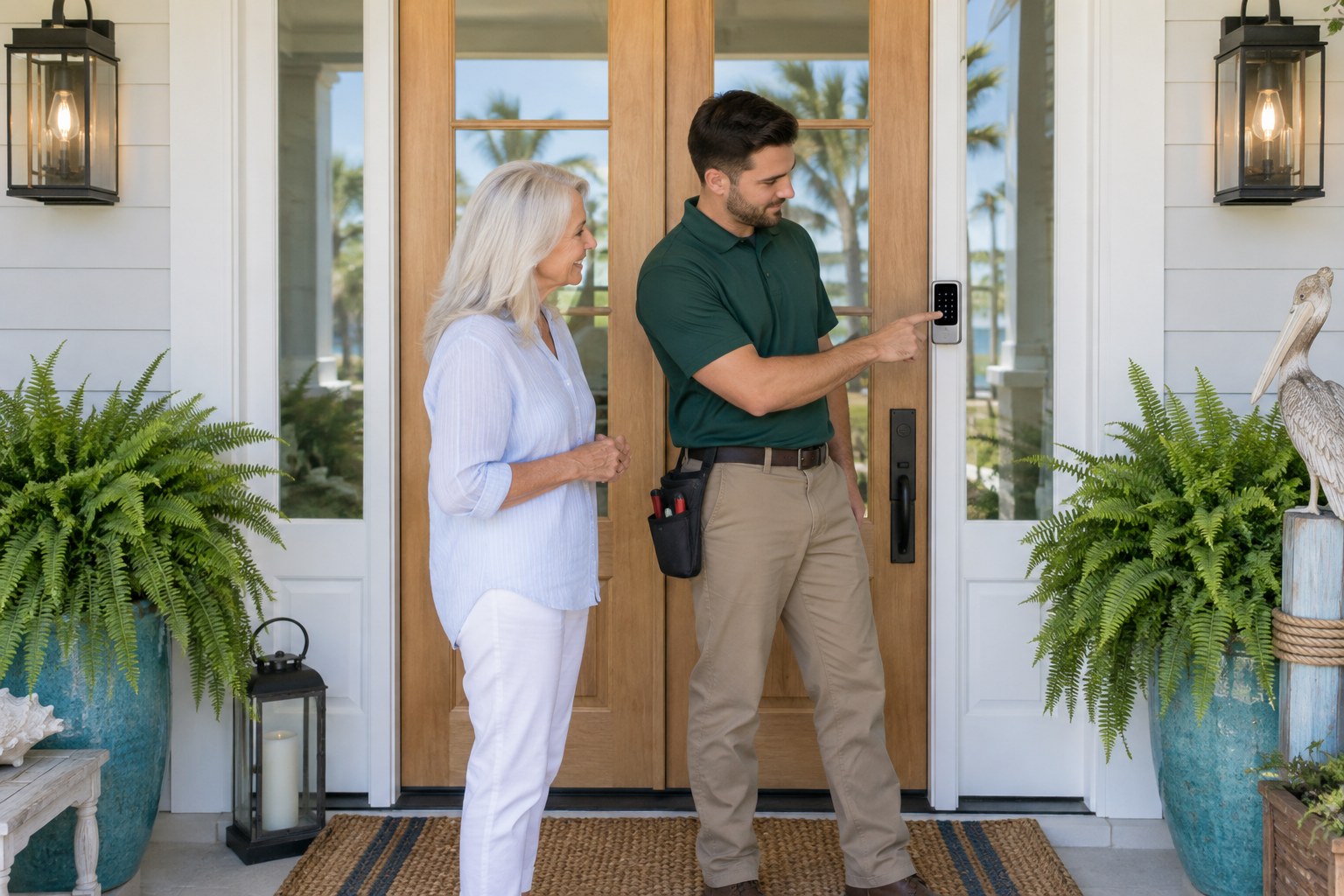
What happens when a smart lock loses power
A smart lock is a deadbolt with a small motor, a circuit board and usually a radio. The batteries run all three. When voltage drops, the radio often fails first, so the app loses contact. Then the motor weakens, moving the bolt slowly or stopping partway. Finally the board shuts down and the lock goes dark.
Most locks fail in the state they are in. If the bolt was extended when the battery died, the door stays locked. If it was retracted, the door stays unlocked, which is a security problem you might not notice. Few locks have the ability to unlock themselves in a power failure.
Good models give warnings for weeks, with a chime, a flashing light or a phone alert. These are easy to dismiss or miss, especially when the app is rarely opened. Some warn only at the end, when there is just enough power left for a few uses.
Knowing this helps you act early. A battery that is merely low is an easy fix. A dead one means you need another way in.
Emergency power from outside
Many smart locks have contacts on the outside of the keypad or the faceplate where you can touch a nine volt battery. This gives the board enough power to wake up and accept your code or fingerprint. Look closely at the bottom edge of the lock, where two small metal pads may sit.
Hold the battery firmly against the pads with the correct orientation, as shown in the manual, then enter your code. You may need to keep the battery pressed in place while the motor turns. Some locks support a power bank through a small port, instead of a nine volt battery.
If the lock has no external contacts, the power route is closed. The next option is the mechanical key, hidden behind a cover on the faceplate or built into the housing.
Keep a nine volt battery in your car, garage or a porch box, not just inside the house. It is a useful rescue tool that costs very little.
- Look for two small contacts on the bottom of the lock
- Press a fresh nine volt battery against them
- Enter your code or use your fingerprint while pressed
- Check the manual for a USB or power bank port
The key backup
Nearly every deadbolt style smart lock has a keyway for emergencies. The cover is easy to miss, because designers hide it to keep the lock looking clean. Pull gently on the bottom of the cover, slide it aside, or lift it from the edge. A normal key should sit behind it.
Many people buy a smart lock and stop carrying keys, so when the battery fades, there is no key to be found. Make a habit of keeping a spare key somewhere you can reach, such as with a trusted neighbor, in a lockbox or on a family member's ring.
If the key slides in but will not turn, do not force it. Some cylinders are stiff from lack of use and need a little dry lubricant. A snapped key makes things worse, and you will need a locksmith either way.
Once you are in, replace the batteries and test the key again, so you know it works.
How a locksmith opens a dead smart lock
If you have no emergency power and no key, a locksmith can open the door. First, the technician confirms that you own or have authority over the home. Then they identify the lock, because the method depends on the brand and design. Some are opened with a power source, others with picks, others with a bypass at the latch.
A powered approach may work if the lock accepts an external supply. The technician can apply power and use your code, which leaves everything intact. For the cylinder backup, picking is the usual route, and the lock keeps working afterward.
If the lock design resists both, the technician may remove the exterior assembly or cut access to the bolt. This is a last resort and the technician explains what is needed before starting. A new lock can be fitted if the old one is damaged.
After opening, the technician replaces the batteries, tests the lock several times and checks the door alignment.
Why batteries die sooner than expected
Smart locks use more power than keypad locks, because the radio stays on to listen for commands. Frequent use, weak signal, a distant router and constant app polling all drain cells faster. A lock that lasts six months in one home may last two in another.
Temperature plays a role. Coastal summers heat doors in the sun, and batteries lose capacity faster at high temperatures. Humidity can also corrode contacts and cause small leakage, which wastes energy.
Cheap batteries are another cause. Heavy duty or off brand cells may deliver lower voltage than alkaline cells, and the lock may report low power early. Use name brand alkaline batteries, or follow the manufacturer's advice on lithium cells.
Finally, mixing new and old batteries shortens the life of the set. Replace all of them together, and write the date.
Changing batteries correctly
Open the battery cover on the inside of the lock. Remove all batteries and note their orientation. Wipe the contacts with a dry cotton swab. If you see white or green deposits, clean them gently with a swab dampened in rubbing alcohol, and let them dry.
Insert fresh batteries in the right direction, and close the cover. The lock may chime or flash. Test the bolt several times, from the keypad, the app and the key, with the door open. Then close the door and test again, so you know alignment is fine.
Dispose of old batteries properly. Many stores collect them. Never leave dead cells in a drawer where they can leak.
If your lock loses its settings after a battery change, reset the time and re-add codes as the manual shows.
Alerts, schedules and habits
Turn on low battery alerts in the app and keep notifications enabled. Check the battery percentage when you open the app. A reading below a quarter means it is time to change them, not time to wait for the warning chime.
Set a calendar reminder to replace batteries twice a year, whether or not the lock complains. Choose easy dates such as spring and fall clock changes. Keep fresh cells in a drawer near the door.
Share the plan with family. Everyone should know where the spare key and the nine volt battery are. A teenager coming home late should not have to guess.
Test the emergency options once a year, on a calm day. Practice the nine volt trick and the key so you know it works.
Hot weather and heavy use
In Pensacola summers, the door and lock can bake in direct sun. Batteries lose voltage when hot and recover when cool, so a lock that struggles at midday may seem fine in the evening. If you see this pattern, shade helps, and fresh cells may restore a margin.
Doors that are used all day by a busy family, a rental or a business drain batteries faster. Consider changing cells more often for these doors, such as every three months.
If you operate the lock from the app often, you may save battery by using the keypad instead. The radio stays active either way, but wireless commands cost a bit more energy.
Rechargeable battery packs exist for some models. They need regular charging and a clear plan, so only use them if the manufacturer supports them.
Rentals, vacation homes and shared access
For rentals and vacation homes, a dead smart lock affects guests who arrive late or in a hurry. Keep a backup method such as a lockbox with a spare key, and tell guests how to use it. Check the battery level before every turnover.
If you manage several properties, track battery changes in a simple list with dates. Replace cells at the start of the busy season, before the first guests.
Tenants should report low battery warnings to the owner or manager, and ask who handles replacement. Do not remove or modify the lock without permission.
A locksmith needs to confirm authority before opening or changing a lock in a rental, so keep a lease or management letter available.
When a drained smart lock calls for a technician
Call if you are locked out with a dead smart lock, if you have no key or power source, or if the lock keeps draining batteries. Tell us the brand and model if you know it, whether there are contacts on the outside and what the lock last did.
Photos of the lock help. A quote is given by phone for common work, and availability should be confirmed on the call. If the job is complicated, a technician visits first, and the service call charge is explained before dispatch.
Be ready to confirm that you live at the property or have authority over it. This is routine and applies to everyone.
If you would like help choosing a lock with better battery life or a simpler design, ask during the call.
Hurricane season, power outages and smart locks
Most smart locks run on batteries rather than house power, so a neighborhood outage does not directly affect the lock. The trouble is the router. If your lock connects through a hub or a home network, a power cut can cut off the app, the remote unlock and any schedules. The keypad and key usually keep working, but the convenient features disappear until power returns.
Before a storm, check the battery level and replace the cells if they are below about half. A lock that dies in the middle of a multi day outage is a real nuisance, because stores may be closed and driving may be unwise. Keep fresh batteries, a nine volt battery and a spare key in a waterproof container with your storm supplies.
If you evacuate, think about who needs access. A relative checking the house, an insurance adjuster or a contractor after a storm may need a code. Create temporary codes before you leave, or leave a key with a trusted person, rather than relying on a remote command that might fail without internet.
After the storm, test the lock. Salt, rain and wind driven moisture can reach the keypad and contacts. Dry the lock, wipe the pad, inspect the battery compartment and confirm that the bolt extends and retracts smoothly with the door open and closed.
Signs your lock needs service, not just batteries
Sometimes new batteries do not cure the problem. If the lock still behaves strangely after a battery change, the issue may lie elsewhere. A motor that struggles, a bolt that moves slowly, a keypad that registers only some buttons, or a lock that resets itself are all signs of hardware wear rather than a simple power issue.
Check the door alignment too. A bolt that rubs against the strike plate forces the motor to work harder and drains batteries much faster. Close the door with the bolt retracted, then extend the bolt by hand with the key. If it drags, the door or strike plate needs adjusting, and the lock may then run for months longer.
Look for physical clues. Corrosion on the contacts, moisture inside the battery cover, cracked housings and loose mounting screws suggest the lock is aging. A lock that has been repaired several times may be due for replacement, and a technician can show you the wear and explain the options.
If you are unsure, ask for an inspection when you call. It is often more useful to correct the underlying cause than to replace batteries again and again.
Choosing hardware that is kinder to batteries
If you are shopping for a smart lock or planning to replace one, battery life is worth weighing alongside features. Locks that use a low power radio and keep Wi-Fi in a separate bridge tend to last longer between changes. Locks with built in Wi-Fi are convenient but can drain a set of cells in a few weeks or months.
Look at how the lock warns you. Clear low battery alerts, an indicator that is visible without the app, and a graceful state when power is low all matter. A lock that fails only at the last moment is more likely to strand you than one that complains early and loudly.
Also check the emergency options before you buy. Outside power contacts, a hidden keyway and a manual override give you ways in when something goes wrong. A lock with none of these depends entirely on batteries, which is risky for a front door.
A locksmith can advise on models that suit your door and household, install them correctly, and key the backup cylinder to match your other locks. There is no pressure to buy anything new if your current lock is working well.
Why the nine volt trick sometimes does nothing
Many smart locks have two metal contacts on the outside of the housing, and touching a fresh nine volt battery to them is supposed to wake the lock long enough to enter a code. When it does nothing, people assume the lock is broken. Often the real cause is simpler. The contacts may be corroded from salt air, the battery you are holding may itself be weak after sitting in a drawer, or you may be touching it the wrong way round. Contacts are usually marked, and the polarity matters. Pressing firmly for a full second or two is often needed, not a quick tap.
Sometimes the lock has more wrong with it than a flat battery. If the motor is jammed because the door is pressing hard on the bolt, the power will arrive but nothing will turn. If the keypad has failed outright, the lock may wake and still ignore every code. A deadbolt that was left half-thrown can also hold itself in place against the strike, so pulling the door toward you slightly while the motor runs can help. If none of that works, stop. Repeated attempts can overheat a small motor or lock you out through a built-in delay.
A better habit is to treat the emergency contacts as a last step, not a first resort. Test them every season with a fresh battery while you are standing safely indoors, so you know they work and you know where the battery is kept. Wipe the contacts gently with a dry cloth if they look dull. If the contacts do not respond at all in that calm test, mention it when you call, because we can plan to bring a replacement lock body or the right tools for a non-destructive opening.
What to do right now if you are standing at the door
Take a moment before doing anything. Check whether any other door, such as a garage entry, a back door or a sliding door, is unlocked. Ask whether anyone inside can open the door from the other side. Both are quicker than any tool, and neither risks damage to the lock.
Try the emergency power contacts next, if you have a nine volt battery nearby, then the key backup. Work gently, and do not pry the cover off the lock or pull on the keypad. Smart locks hide delicate wiring behind the faceplate, and a broken wire turns a battery problem into a repair.
If neither route works, call us. Describe the lock, say what you tried and tell us whether anyone or any pet is inside. A quote is given by phone, availability should be confirmed on the call, and the technician will confirm your authority over the property before opening the door.
While you wait, find a comfortable, safe spot, keep your valuables with you, and avoid leaving the property unattended with a door that is wide open. Once inside, change the batteries first, then think about how to prevent a repeat.
Questions people ask us
Can I unlock a dead smart lock with a nine volt battery?
On many models, yes. If the lock has two small contacts on the outside, press a fresh nine volt battery to them and enter your code. Check the manual, since not every lock supports this.
Will opening the door damage my smart lock?
Usually not. The technician uses emergency power, picks the backup cylinder or bypasses the latch. If damage is likely, the options are explained before work begins.
How often should I change smart lock batteries?
Many households change them twice a year, or sooner when the app shows less than a quarter. Hot, busy doors may need more frequent changes.
Why does my lock die faster in summer?
Heat reduces battery performance, and constant radio activity uses energy. Shade, fresh alkaline cells and fewer remote commands help.
What if I never had a key for my smart lock?
A locksmith can open the door after confirming ownership, and can fit or make a backup key if the lock has a keyway. Keep that key somewhere safe afterward.