
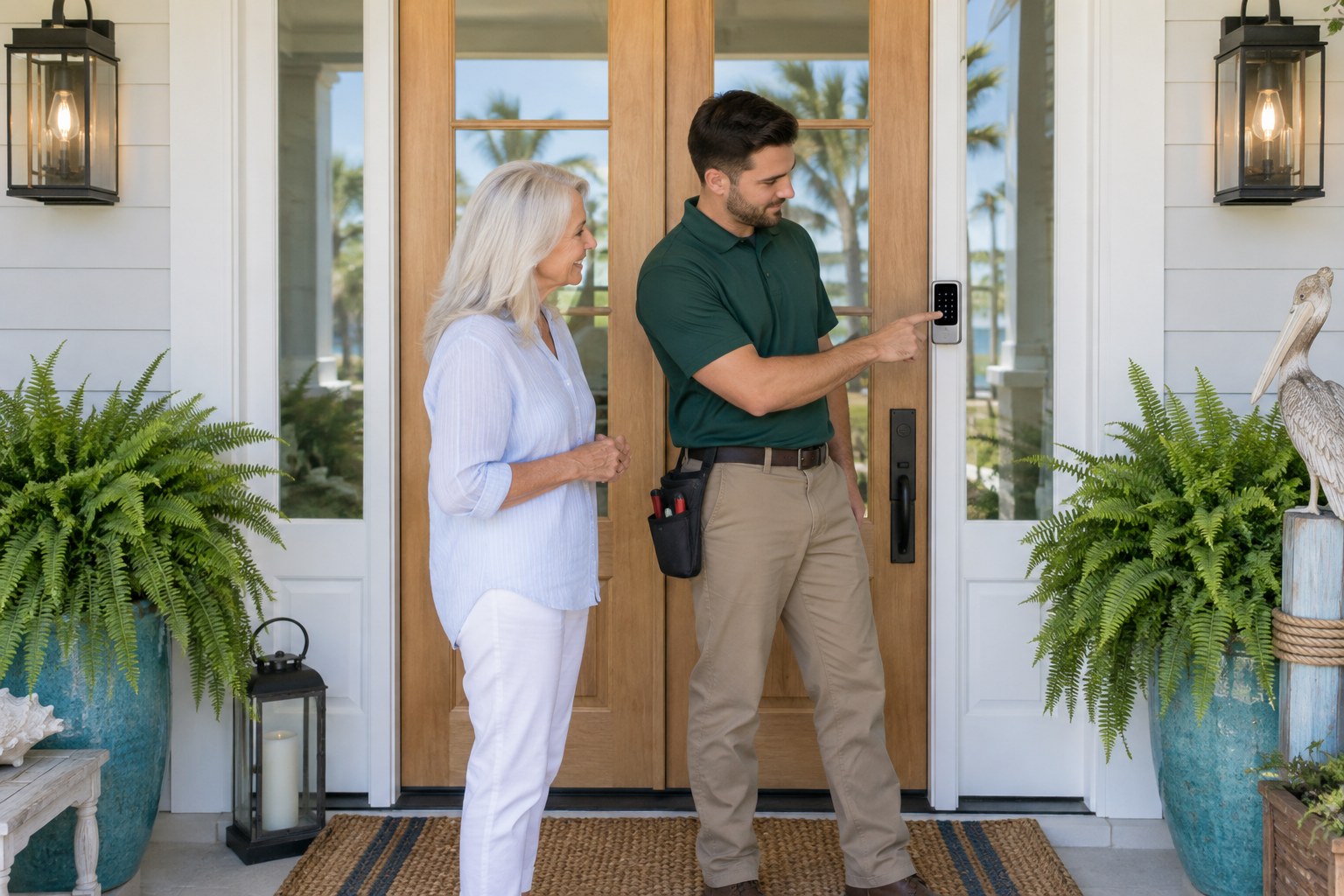
What people usually mean by a smart lock
The term covers a range of products. Some are simple keypad deadbolts that work on batteries with no connection to anything. Others add Bluetooth, so your phone can unlock the door when you are nearby. Others connect to Wi-Fi or a hub, letting you check and control the lock from anywhere. A few use fingerprints or tags. Each level adds features and adds things that can go wrong.
Most smart locks are not a whole new lock but a motorized mechanism fitted to your existing deadbolt, or a replacement that includes both the motor and the deadbolt. The bolt that physically holds the door is still metal, and its strength matters as much as ever. A clever interface on a weak bolt is still a weak door.
When people compare options, it helps to separate three questions. How do you open it, such as a code, a phone, a card, or a key? How is it powered, such as batteries, wiring, or a combination? And how does it communicate, if at all? The answers shape the pros and cons that follow.
This guide takes a practical approach. It describes where smart locks shine, where they disappoint, and how to decide whether one fits your household. It does not recommend any brand, and the choice is yours.
Fingerprint models deserve a short note. They are fast and need nothing to remember, but dirty, wet, or injured fingers can fail to read, and humid coastal weather can make readers less reliable. If you are considering one, choose a model that also accepts a code or key, so a bad day at the sensor does not become a lockout.
Pro: no more lost keys and easy lockouts
The most immediate benefit is the end of fumbling for keys. If your hands are full with groceries, a beach bag, or a child, entering a code or tapping a phone is easier than finding a key. For families with kids who lose keys, a code that a child can remember is a real relief.
Lockouts become less frequent. If you forget your phone, you may still know the code. If you forget the code, you may still have a physical key as backup on many models. The combination of methods gives you several ways in, which a plain key lock cannot match.
A lost key stops being an emergency. With a metal key, a lost copy may mean rekeying every lock. With a smart lock, you can delete a code in seconds. That is a major advantage for households that lend access to cleaners, sitters, or guests.
This convenience is most valuable where many people come and go. A busy family, a rental property, or a home with caregivers tends to see the largest benefit. A single person with a quiet routine may see less.
There is an emotional side to this too. Many people feel a small worry each time they leave the house: did I lock the door? Some smart locks can lock automatically after a set time or report their state to your phone. That peace of mind is real, though it depends on trusting the app and keeping the lock working.
For older relatives, the trade-offs differ. A simple keypad or a large-button model may be easier than a small key, but a confusing app or a complicated setup can cause frustration. Test any lock with the person who will use it daily, and keep the instructions short and posted somewhere they can read.
Pro: control over who has access and when
Giving out a separate code to each person is one of the best features. A cleaner can have a code that works on Tuesday mornings only. A relative can have a permanent one. A contractor can have one that expires after the job. When someone no longer needs access, you remove their code, and no key needs to be collected.
Many models keep a log of who entered and when. This is useful if you want to know that the kids got home from school, or that a sitter came as arranged. It can also help you spot unusual activity. A log is a record and not proof of safety, but it adds visibility that a metal key never offered.
For short-term rentals, the benefits are strong. Guests receive a unique code for their stay, and it ends at checkout. There is no key to lose or copy, and no need to meet each guest. Around the Gulf beaches, where rentals are common, this is a major reason owners choose smart locks.
The control is only as good as your discipline. Codes you forget to delete stay active. Accounts without strong passwords can be attacked. The tool is powerful when managed carefully, and loose when it is not.
Think about privacy when you review logs. Records of entry times are information about your household, stored on a company's servers in many cases. Read what the maker says about data, and choose settings that match your comfort. A lock that logs locally with no cloud account avoids the question entirely.
Con: batteries, power, and the dead-lock problem
Smart locks run on batteries, and batteries die. Most locks warn you when power runs low, but warnings can be missed, especially at a second home or when you are traveling. A lock that fails to respond because the batteries are dead can leave you or a guest outside.
Good models offer a backup. Some have a physical key slot, some allow a temporary power source such as a nine-volt battery touched to the contacts, and some include both. Know what your lock offers, and test it before you need it. A backup you have never tried is a guess.
Plan a battery schedule. Replace batteries on a calendar rather than waiting for a warning. Use fresh, good-quality ones, and keep spares in a known place. Heat and humidity shorten battery life, so expect to change them more often on a sun-exposed door near the coast.
Power outages also matter. A battery-powered lock keeps working in an outage, but a lock tied to a network cannot be controlled remotely when Wi-Fi is down. Think about what you would do in a storm, and whether your plan still works without electricity or internet.
A habit that helps is testing the lock before you leave on a trip. Lock and unlock it several times from outside, using the code and the backup key. If anything hesitates, replace the batteries then, not when a sitter calls from the porch. A two-minute test before departure prevents a long list of headaches.
Con: connectivity, software, and accounts
A connected lock depends on a chain of things working: the lock, the phone app, the home network, and the maker's servers. A break in any link may disable features such as remote control or code scheduling. A software update can change how an app behaves, and a company that closes its service can leave a lock with fewer features than when you bought it.
Accounts add a security layer and a risk. If someone gains access to your account, they may be able to open your door. Use a strong, unique password and two-step sign-in. Do not share your login. Remove old devices and users, and review the access list from time to time.
Compatibility is another issue. A lock may work with one phone type better than another, or with certain hubs only. Check what you need before buying. If your home uses a particular system, confirm that the lock plays well with it.
Simple models with no network avoid these issues. A battery keypad lock with no connection cannot be hacked remotely and does not depend on a company's servers. You lose remote features, but you gain simplicity. For many homes, that is a fair trade.
Guests and family members vary in comfort with apps. Some will not install an app at all. Make sure your plan includes a simple code or a backup key for people who prefer them, so the lock works for everyone and not only for the most tech-savvy member of the household.
Con: the climate on the Gulf Coast
Humidity, salt, heat, and storms are hard on electronics. A keypad exposed to afternoon sun can fade or crack. Moisture can reach circuit boards, and salt can corrode battery contacts. A lock that works well in a dry inland climate may struggle near the water.
Choose products designed for outdoor and coastal use, with weather seals and sturdy housings. Mount the lock where it has some shelter if possible. Wipe it with a damp cloth to remove salt, and dry it. Check the battery compartment now and then for corrosion.
Hurricane season introduces power and water risks. After a storm, test your lock carefully. If it was wet inside, consider replacing it, since faults can appear later. Keep a mechanical backup so you are not shut out after an outage.
Expect a shorter life for electronic parts than for a simple mechanical deadbolt. A good mechanical lock can serve for decades. A smart lock in a harsh climate may need replacing sooner. Think of it as a device with a service life, not a permanent fixture.
Sun exposure matters more than people expect. A dark keypad facing the afternoon sun can get very hot, which stresses batteries and plastics and can make screens hard to read. A small shade, a lighter finish, or a different mounting side can reduce the strain and extend the useful life of the unit.
Con: security quality varies
The physical strength of a smart lock depends on its bolt, its strike, and how it is installed, just like any lock. Some smart locks have strong, hardened bolts. Others use lighter parts and rely on the convenience of the electronics. Look at the mechanical specs, not only the app features.
Installation matters. A smart deadbolt fitted to a door with a weak frame or a short strike plate is no safer than a plain one. Reinforce the strike and use long screws into the framing. A technician can handle this properly and check that the bolt aligns cleanly.
Digital threats exist too. Weak codes, reused passwords, and unpatched software can be exploited. Most homes are not targets, but sloppy habits lower the bar for anyone who tries. Treat your lock account with the same care as your bank login.
No lock is perfect. A smart lock can be a good choice when selected well, installed well, and managed with care. The danger lies in assuming that technology alone provides safety.
Ask a technician to look at the existing door before you buy. A hollow or damaged door, a loose frame, or a misaligned bolt are problems that no electronic feature can fix. Sorting these out first makes the new lock work better and gives you a truthful picture of what the whole opening can resist.
Cost, upkeep, and the long view
Smart locks generally cost more than plain deadbolts, and the cost rises with features. There can be extra costs too, such as hubs, subscriptions for some services, and replacement batteries. Weigh what you will use. A feature you never touch is not a bargain, whatever its price.
Upkeep is ongoing. You will change batteries, update software, manage codes, and sometimes troubleshoot. If you enjoy this, it is a small cost. If you dislike it, a simpler lock may suit you better. Be honest about your habits.
Think about resale or rental. A smart lock can be an appealing feature, but it can also be a burden for the next owner if the account is tied to you. Plan to reset the lock and transfer access properly when you leave a property.
Finally, consider the time horizon. Mechanical locks last long. Electronic ones may be outdated in several years. Plan for replacement, and avoid building a system that depends on one product staying available.
Compare the lifetime picture honestly. A plain deadbolt may cost little and run for many years with only an occasional drop of lubricant. A smart lock may cost more up front, need batteries every season, and be replaced in a few years. The extra features may justify that for your household, but decide with the whole picture in view.
A trial period before you commit the whole house
A sensible way to test a smart lock is to install one on a secondary door first, such as a garage entry or a back door, before changing the front. Live with it for a few weeks. See how often the batteries need attention, how reliably the app connects, and whether family members actually use it. Notice small annoyances that would not show up in a store, like a keypad that is hard to read in sunlight or a motor that sounds loud at night.
During the trial, deliberately try the failure cases. Let the phone battery die and see how you get in. Disconnect the home network and check whether codes still work. Use the physical key if there is one, and confirm it turns smoothly. Ask each person in the house to unlock and lock the door without help. A lock that only the person who set it up understands will cause trouble when that person is away.
If the trial goes well, expand with confidence. If it does not, you have lost little and learned what matters to you. A technician can advise on door preparation, which matters more than most people expect: a door that rubs or has a misaligned strike will wear down a motorized bolt. Having the door adjusted first protects the investment. Whichever way you go, keep a mechanical way in that does not depend on power or software.
Renters, landlords, and shared homes
Renters should check the lease before replacing a lock. Some landlords allow smart locks that mount over an existing deadbolt and can be removed at move-out. Others forbid changes. Ask in writing, and keep the original parts to restore the door when you leave.
Landlords may like smart locks for managing turnover, since they avoid rekeying between tenants. A code reset is faster than a lock change. If you manage a property, set clear rules for who administers the lock and how codes are recorded.
In shared homes, a smart lock helps with roommates who come and go. Each person has a code, and a departing roommate's code is deleted. This beats collecting keys, and it reduces the chance of unaccounted copies.
When you want help, call us and describe your door and your needs. Quotes are given by phone, and call us to confirm availability. If the job is complicated, a technician visits and the service call charge is explained before dispatch. Before any installation or programming, the locksmith confirms that you own the home or have the owner's permission.
Military families and students who move often may especially value a lock that can be reset quickly. Handing over a home with a cleared code list is cleaner than counting keys. Whatever your situation, write down the steps to reset the lock and store them with your move-out papers.
Questions people ask us
Are smart locks safe enough for a front door?
They can be, if the bolt and strike are strong, the lock is installed well, and your codes and account are managed carefully. Mechanical strength matters as much as the electronics.
What happens if the batteries die?
Many locks warn you first and offer a backup such as a physical key or an emergency power contact. Replace batteries on a schedule and know your backup method before you need it.
Do smart locks hold up near the coast?
Models built for outdoor use with weather seals do better. Salt and humidity can still corrode contacts, so wipe the lock, check batteries, and test it after storms.
Is a smart lock better than a keypad lock?
Not always. A simple battery keypad without a network avoids account and software issues. A smart lock adds remote control and logs. Choose based on what you actually need.
Can renters install a smart lock?
Only with the landlord's permission in most cases. Some models mount over the existing deadbolt and can be removed later. Ask in writing and keep the original parts.