
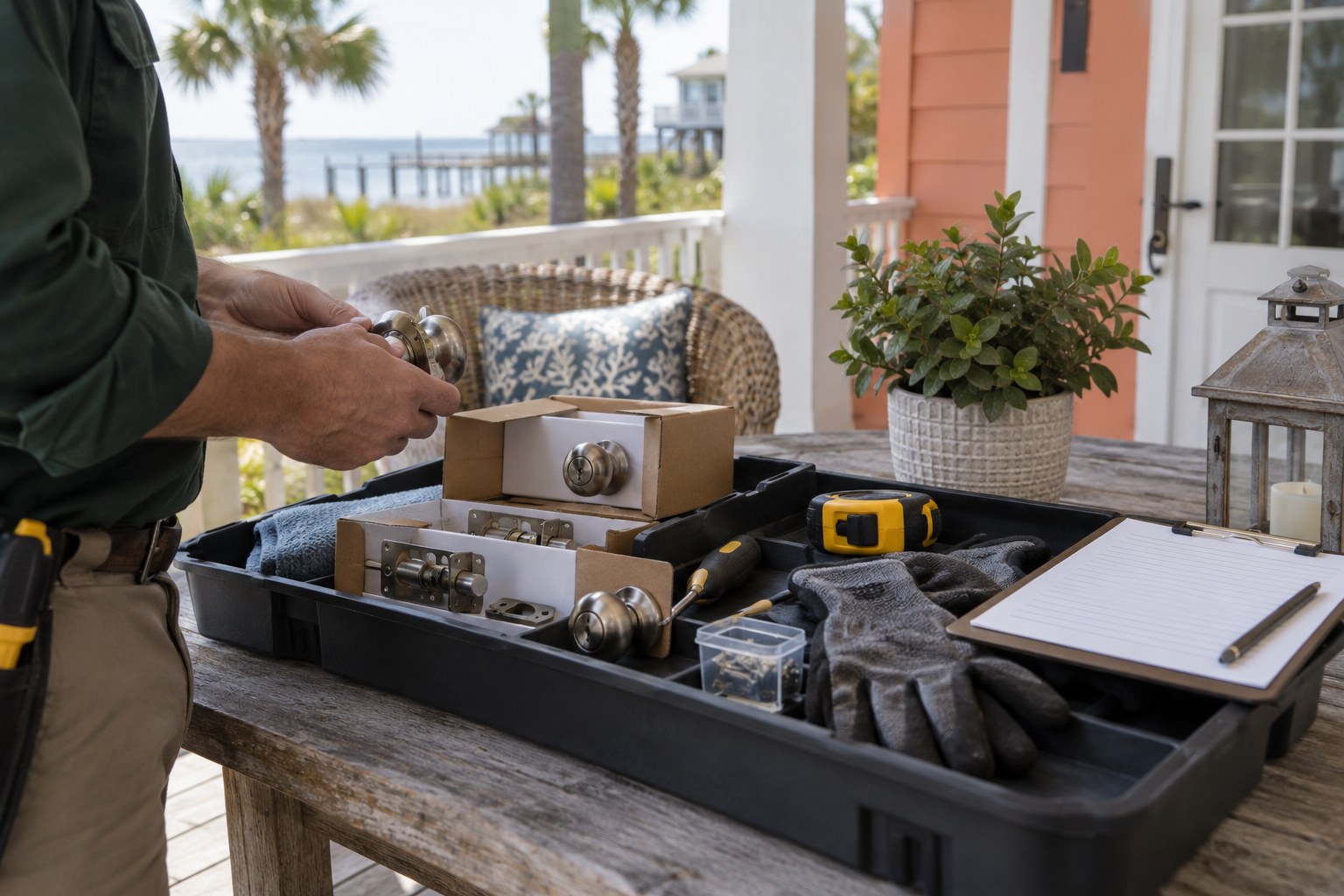
What each device actually does
A doorbell camera watches and records. It lets you see and speak to a visitor, review who came by while you were out, and sometimes capture evidence if something goes wrong. It does nothing to stop a door from being forced open, because it cannot hold a door shut or resist a kick.
A lock does the opposite. It physically resists entry, but it cannot tell you who is outside, whether someone tried the handle or what happened while you were away. A strong deadbolt and a solid frame resist force, but they are silent.
Put together, the two cover each other's gaps. The camera provides awareness and a record, and the lock provides resistance. A camera may deter a casual attempt, and a lock holds when deterrence fails. Neither is a complete answer alone.
Understanding this division of labor helps you spend sensibly. A premium camera on a weak door is a poor investment, and a heavy-duty lock with no awareness leaves you guessing. Balance the two according to your home and your habits.
Start with the lock and the door
Before adding technology, make sure the basic hardware is sound. A solid door, a well fitted frame, a good deadbolt and a strike plate with long screws are the foundation. If these are weak, no camera can compensate.
Check the door by pushing on it near the lock. Does it flex, rattle or give way? Look at the strike plate and hinge screws. Short screws that only reach the thin jamb are a common weakness, and replacing them with longer ones is a quick improvement.
A technician can inspect your door and suggest upgrades. These might include a reinforcement plate, a new deadbolt or longer screws. Ownership or authority is checked before work begins, and renters need landlord approval for changes.
Once the hardware is sound, a camera adds meaningful value. It shows you how the door is used, who visits and when, and gives you a way to respond to events as they happen.
Where to mount a doorbell camera
Placement determines how useful the footage is. A camera at roughly chest height near the door captures faces and packages. Too high and you see only the tops of heads, and too low and you miss faces. Test the view after installation.
Think about the angle. A camera that faces directly into the sun produces washed-out footage, and one pointed at a bright porch light at night suffers glare. Adjust placement and use wedge mounts if needed.
Consider the lock area. A camera that also shows the door handle and lock gives you a clear record if someone tries it. This is useful if you ever need to describe an attempted entry.
Mounting must be secure. A camera attached with weak screws can be pried off easily. Use proper anchors, and consider a model with a locking screw. In rentals, check what the landlord allows.
Smart locks and how they pair with cameras
Many smart locks connect to the same apps as cameras and doorbells. This allows features such as seeing a visitor on your phone and unlocking the door remotely for a trusted guest or delivery. Pairing can be convenient, but think through the risks.
Remote unlocking means your phone and account become keys. Use a strong, unique password and two-step verification. Treat your phone like a key ring, and remove access from lost devices immediately.
Log features are a benefit. Smart locks record when the door is locked or unlocked, and by which code. Paired with camera footage, this builds a fuller picture of what happened at the door.
Remember batteries. A smart lock with dead batteries is a locked door. Replace batteries on a schedule, and keep a physical key backup. A technician can explain how your lock handles a power failure.
Deliveries, visitors and everyday use
Cameras are especially helpful for packages. You can see when a delivery arrives, speak to the driver and pick up the box promptly. Quick retrieval reduces the chance of theft. Some households use a locked drop box or a trusted neighbor as well.
Visitors can be handled safely. Speaking through the camera lets you decide whether to open the door. You can tell a stranger to leave a note, or confirm a worker's identity before letting them in.
Trusted people such as a cleaner or a dog walker can be given temporary codes on a smart lock. You see them arrive on camera, and the code can be removed afterward. Compare this with handing out copies of a key.
Be mindful of privacy. Tell guests and workers that a camera is present, and aim it at your own door rather than a neighbor's. Good manners and respect for neighbors matter for community trust.
Limits and common misconceptions
A camera does not stop a break-in. Footage helps after the fact, but a person determined to enter may cover their face or ignore the camera. Treat the camera as one layer, not a shield.
Cameras rely on power and internet. A storm, a power cut or a router failure can take them offline when you most want them. Battery-backed models and local storage help, though no system is perfect.
Motion alerts can be overwhelming. A busy street, passing cars and wind-blown plants trigger notifications that you soon learn to ignore. Adjust zones and sensitivity so alerts remain meaningful.
Do not assume that a camera means you can relax about locks. A good lock, a secure door and good habits do the real work of keeping the door shut.
Renters and shared buildings
Renters should ask before drilling into a door frame or wall. Many doorbell cameras come in adhesive or wedge-mounted versions that avoid damage. Even so, check the lease and get permission in writing.
In an apartment building, cameras that capture shared hallways may conflict with rules or neighbors' privacy. Keep the view limited to your own entry, and ask the property manager about restrictions.
Lock changes follow similar rules. You may not be allowed to swap a deadbolt for a smart lock without approval. A reversible solution, such as a device that fits over an existing deadbolt, may be acceptable.
A locksmith will confirm authority before changing any lock. Landlord approval makes that simple, and keeps your deposit safe.
Coastal weather and equipment care
Pensacola's heat, humidity, salt air and storms test outdoor equipment. Choose cameras and locks rated for the conditions, and check seals and finishes. Cheap hardware corrodes quickly near the coast.
Clean lenses and sensors from time to time. Salt spray, pollen and spider webs reduce image quality and trigger false alerts. A soft cloth and a gentle cleaner are enough.
After a storm, test everything. Check that the camera still points correctly, that the lock turns smoothly and that the door has not shifted. Swollen doors and moved frames can affect both.
Keep firmware updated and batteries fresh. A maintenance reminder each season, along with smoke alarm batteries, keeps your system dependable.
Working with a locksmith on layered security
A locksmith can help you plan the hardware side. They can check the door, strike plate and frame, recommend a deadbolt or smart lock, and install it correctly. A smart lock installed on a poorly prepared door will not work well.
Describe your setup when you call: the door, the existing lock and what you hope to achieve. Quotes are given by phone, and you should call to confirm availability. If the job is complicated, a technician visits and the service call charge is explained before dispatch.
Ask how the lock behaves in a power or battery failure, how codes are managed and what the physical key backup looks like. Understanding these details prevents surprises.
After installation, test everything together. Lock and unlock from inside, from outside and from your phone, and confirm the camera sees what you expect.
A walk through a layered setup at the front door
Picture a typical front door in an established neighborhood. Starting from the street, a clearly visible house number and an outdoor light help visitors and neighbors. At the door, a camera at chest height sees the porch. The door itself is solid, hung on three hinges with long screws, and it closes against a strike plate anchored into the framing.
Inside that frame sits a deadbolt that throws a full bolt into the strike. Many homeowners add a smart lock or keypad for convenience, but keep the mechanical strength of the bolt. Behind the door, a chain or secondary latch lets you open it a few inches to speak with a stranger without letting them in.
Each layer does a different job. Lighting and a number make the home easy to find. The camera records activity. The door and frame resist force. The lock keeps the door closed. The chain gives you a controlled way to talk. A weakness in one layer is partly covered by the others.
You do not need every layer on day one. Start with the strongest door and lock you can reasonably have, then add awareness. As habits and budgets allow, add the extras that match your household, and revisit the setup after any change.
Back doors, patio doors and garage entries
Most attention goes to the front door, yet back doors, patio doors and garage entries are used far more often by people who intend to enter quietly. A camera aimed only at the front porch misses them. Consider whether a second camera, a motion light or a stronger lock on these doors makes sense.
Sliding glass doors are very common on the Gulf Coast and are often the weakest entry. A factory latch can be forced or lifted with little effort. A bar in the track, a pin lock and, where suitable, a laminated glass upgrade make a major difference. A smart lock rarely suits a standard slider.
The door between a garage and the house is frequently left unlocked because the garage feels secure. Treat it like an exterior door: solid construction, a deadbolt and a strike plate with long screws. If the garage door opener remote lives in a car, a break-in at the car can lead to the house.
A technician can walk the property with you and point out which entries deserve attention. The visit is mostly observation, and a short list of fixes is often more useful than a large shopping list of devices.
Privacy, neighbors and sharing footage
Cameras raise questions about privacy, and a thoughtful approach keeps neighbors on your side. Aim the camera at your own door and walkway, not at a neighbor's windows or yard. Tell nearby households that you have one, and listen if they voice concerns.
Be careful about who can view the footage. Use strong passwords, turn on two-step verification and review which family members and services have access. Remove old users, such as a former roommate or partner, when circumstances change.
If something does happen, preserve the footage promptly and share it with the proper authorities. Avoid posting clips publicly in a way that accuses a person. A calm report to the police non-emergency line is more effective than a social media storm.
Neighbors can also help each other. Agreeing to watch each other's homes, collect packages and report unusual activity builds a quiet network. That human layer, with locks and cameras, is the strongest protection of all.
Making a plan and keeping it current
Set aside an afternoon to review what you have. List each exterior door, its lock, its condition and any camera or light that covers it. Mark the weakest entry and decide what single improvement would help most. Often the answer is hardware, not electronics.
Schedule maintenance. Replace batteries in locks and cameras at the same time each season. Clean lenses, test locks and look at hinges and strike plates. Put reminders in your calendar so it becomes routine.
Update your system when life changes. A new roommate, a new baby, a pet or a move to a different home all affect what you need. Rekeying or changing smart lock codes resets access, and a technician can help once ownership or authority is confirmed.
Keep records of purchase, installation and settings. If something fails, or you sell the home, those records save time. Store them with your other home documents, away from your keys.
Power, signal and the dull details that decide whether it works
The best-looking camera setup fails when the basics are ignored. A doorbell camera needs steady power, either from existing low-voltage wiring or from a battery you must remember to recharge. Check the doorbell wiring before buying: a weak transformer causes chimes to buzz or the camera to restart. Battery models need a plan for who charges them and where they dry out afterward, because summer thunderstorms and humidity are hard on exposed electronics.
Wi-Fi reach is the next obstacle. Stand at the front door with a phone and test the signal strength. A doorbell on the far side of a thick masonry wall or a metal door may have trouble connecting, and a weak link leads to delayed alerts or dropped video. A router closer to the door, a mesh extender or a wired connection can solve it, and it is worth testing before drilling holes.
Where a smart lock is part of the setup, think about what happens when the network goes down. The lock should still open with a key or a code, and the camera should not be the only way you know someone is outside.
If you plan to pair the devices, choose a lock whose features you will actually use and confirm your door is in good shape first. We install and set up locks and can talk through how they fit with the devices you already own.
Think about weather and sun as well. Direct afternoon sun can wash out the video image, and a camera aimed at a glossy white wall may show only glare. Test the picture at different times of day for a few days, adjust the angle slightly, and only then fix it permanently in place so you are not drilling extra holes.
Choosing between features without being overwhelmed
The market for cameras and smart locks is crowded, and feature lists can be confusing. Start with what you actually need. Do you want to see visitors, receive package alerts, let in a cleaner remotely, or simply have a better lock? Writing down your top two or three needs makes comparison easier.
Ask practical questions. How does the device get power? What happens when the internet is down? Can it be used without a subscription? Does it work with the door you have? A salesperson or a technician can usually answer these plainly, and an evasive answer is informative.
Be cautious about promises. No device makes a home impossible to enter, and claims that sound too good usually are. Choose products from established makers with clear instructions and a way to get support.
Finally, remember that simple is reliable. A good mechanical deadbolt, a modest camera and a well lit porch beat a complicated system that nobody maintains. If you share the home with others, make sure each person can use the system without a lesson, because a feature that only one household member understands will often be switched off by everyone else within a few weeks.
Questions people ask us
Is a doorbell camera enough on its own?
No. A camera provides awareness and a record, but it cannot hold a door shut. A solid door, a good deadbolt and a strong strike plate do that. The two work best together.
Can I unlock my door from my phone?
With a smart lock, yes. Protect the account with a strong password and two-step verification, and remove lost devices. Keep a physical key backup in case of dead batteries.
Where should I mount my doorbell camera?
Around chest height beside the door, aimed to capture faces and packages, and ideally the lock area. Avoid direct sun and glare, and use secure anchors. In a rental, ask permission first.
Do I need landlord approval for a smart lock?
Usually, yes, since leases limit lock changes. Reversible options may be allowed. A locksmith confirms authority before working, so get approval in writing.
How do storms affect cameras and smart locks?
Power cuts and internet outages can take them offline, and wet, salty air wears hardware. Choose weather-rated equipment, keep batteries fresh and test everything after a storm.