
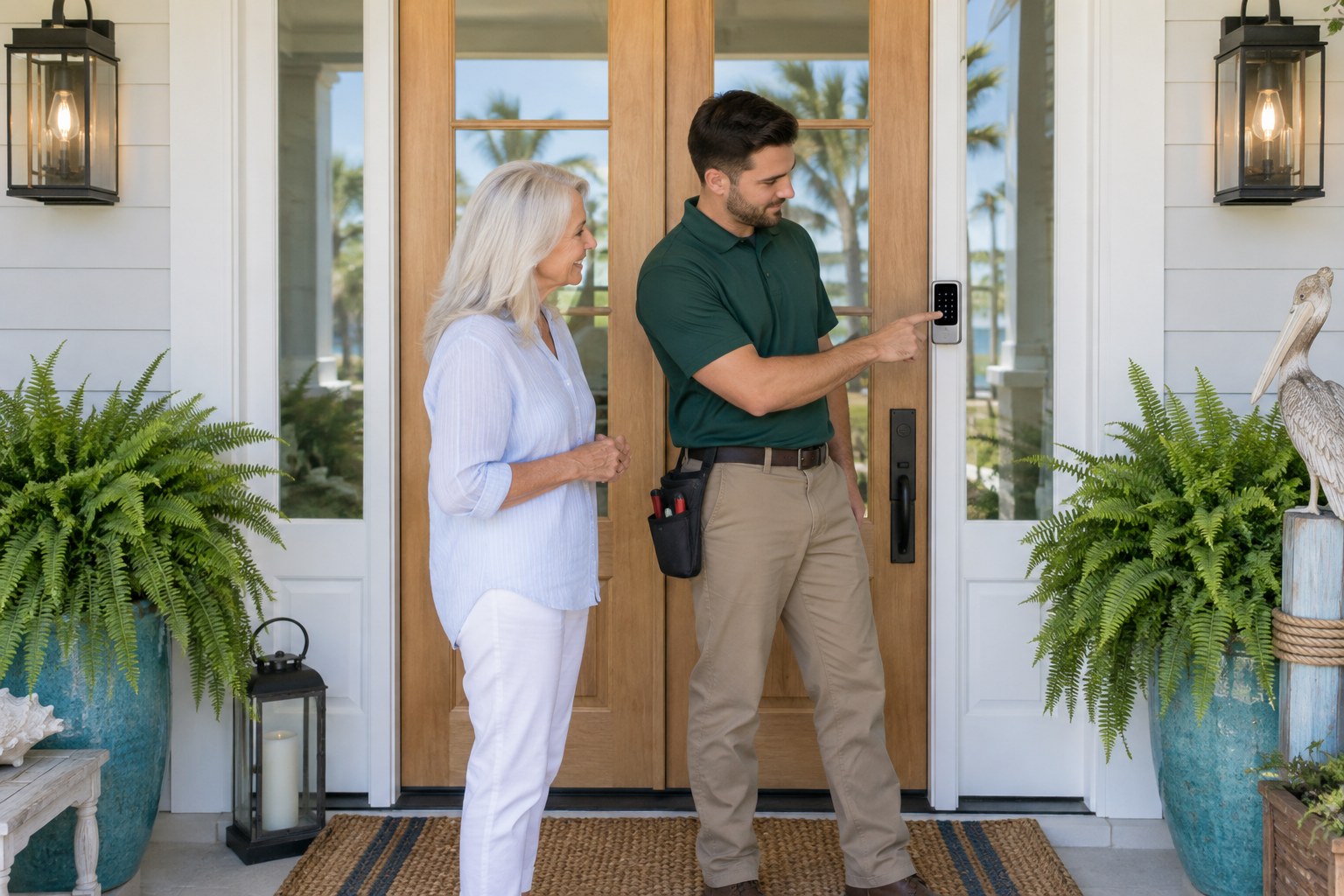
What counts as a smart lock
The term covers several different products. Some are complete deadbolts with a built in keypad and wireless radio. Others are retrofit units that attach to the inside of an existing deadbolt, turning the thumb turn with a small motor while leaving the outside key cylinder untouched. Both can be controlled by an app, but they differ in how they are installed.
Connection methods vary too. Some locks talk to a phone through Bluetooth, which works only when you are near. Others use Wi-Fi directly, or connect through a small bridge plugged into the network, so you can control them from anywhere. Still others use low power mesh radios that link with a home hub. Each method has its own strengths and requirements.
Understanding which type you are buying shapes everything that follows. A retrofit lock is quick to fit and easily reversed, which suits renters. A full replacement lock offers keypad entry and a more integrated look. A bridge gives remote control but adds another device to manage. Deciding what you actually want from the lock keeps you from paying for features you will never use.
Checking the door before you buy
A smart lock depends on a door that operates freely. The motor inside has far less strength than a human hand. If the bolt rubs against the strike, if the door has swollen, or if the latch binds, the motor strains and drains the batteries. Before installing any electronic lock, the bolt should travel smoothly when turned by hand with the door shut.
Check the thickness of the door and the backset, as with any deadbolt. Retrofit locks also need a compatible interior thumb turn shape and enough clearance around it. Doors with unusual hardware, thick trim, or glass nearby may limit the choice. Measuring and photographing the existing lock helps a technician confirm what fits.
Alignment is the most common hidden problem. Gulf Coast doors move with the seasons, and a bolt that slides perfectly in winter may bind in humid summer. Adjusting the strike or the hinges before installation avoids frustrating errors later. Many apparent smart lock faults turn out to be door faults that the motor simply exposes.
What the network needs to provide
If the lock connects over Wi-Fi, signal strength at the front door matters. Walls, metal doors and distance from the router can all weaken it. Test the signal on your phone while standing at the door. A weak or unreliable signal causes delayed commands and failed updates. A mesh network node or a repositioned router can improve things.
Many locks work on the common 2.4 GHz band, and some do not support the 5 GHz band at all. If your router combines both bands under one name, the lock may have trouble connecting. Check the instructions for the model. Some bridges avoid the issue by plugging into the router with a cable and talking to the lock on a separate radio.
Think about security of the network itself. Use a strong password on the router, keep its software updated and avoid sharing the main network login widely. A guest network keeps visitors away from your devices. Because the lock is a security device, the network it relies on deserves the same care as the lock hardware.
How the installation and setup proceed
The technician removes the old lock or prepares the existing deadbolt, depending on the model. For a full replacement, the new latch and exterior body are fitted much like a keypad deadbolt, with a cable passed through the door. For a retrofit, the interior unit is mounted over the thumb turn and calibrated to turn the bolt the right distance.
Next the lock is paired with the app. This usually involves creating an account, scanning a code on the device, and following prompts to connect to the network. The technician walks through each step so you can repeat it later. Settings such as auto lock, door sensing and notification preferences are chosen to suit your habits.
Calibration matters. The lock must learn the positions of fully locked and fully unlocked, and check that the door is closed. Tests follow: lock and unlock from the app, with the keypad if there is one, with the key and from the inside. The technician watches the motor and the bolt, and adjusts until every action is smooth and reliable.
- Door alignment and bolt travel checked first
- Lock paired with the app and the network
- Auto lock, door sensing and alerts configured
- Every method of entry tested before the visit ends
Accounts, privacy and who controls access
A smart lock account is the key to your door in digital form. Choose a strong, unique password and, if available, turn on two step verification. Do not reuse a password from other services. If someone gains access to the account, they could unlock the door remotely, so protect it with the same care as a bank login.
Decide who will be the owner of the lock account and who will be a guest. Many systems let the owner invite family members and grant limited access to others, with schedules for cleaners or helpers. Review the list regularly and remove people who no longer need access. Not every household needs this level of control, but it is helpful when it applies.
Consider what data the lock records. Entry logs show who used the door and when. This can be useful, but it is also personal information. Know where the data is stored and who can see it. In a shared home, discuss expectations openly. Privacy is part of living with connected devices, and clear agreement avoids tension.
Batteries, power and what happens in an outage
Smart locks run on batteries, so a mains power cut does not stop the lock itself. What may stop is the internet or the Wi-Fi network, which means remote control and some app features may not work. The keypad, key and local Bluetooth control usually continue to function. Knowing which features rely on the network helps you plan.
After a storm, expect outages. Make sure everyone knows a fallback way in: a code on the keypad, a key kept safely, or a physical backup. Test these methods before the season. If your lock depends on a bridge that needs power, remember that it will go down with the router unless you have a battery backup for the network.
Battery life varies with use, temperature and the quality of the door alignment. Replace batteries when the app warns you, and keep spares in the house. Locks that drain quickly often have a binding bolt or a poor network signal causing repeated attempts. If battery life is surprisingly short, ask a technician to look at the door and the setup.
Voice assistants, hubs and integrations
Many smart locks work with voice assistants and home hubs. This allows you to lock the door by voice, or to trigger actions such as turning on lights when the door unlocks. Convenient as this is, think carefully about unlocking by voice. Most systems require a spoken code or disable voice unlocking by default, which is wise.
Integrations add complexity. Each connected service is another account and another path into the system. Link only what you will use. Check which permissions each integration receives. If you stop using a service, remove it from the lock account. A smaller connection footprint is easier to keep secure and easier to troubleshoot.
If you already have a smart home hub, choose a lock that supports its protocol. Some locks work with several standards, while others are tied to one ecosystem. Consider what happens if you change systems later. A lock with open standards is less likely to be stranded. A technician can advise based on what you already own.
Damp air, heat and coastal wear on electronic locks
Electronics on an exterior door face tougher conditions than those inside. Heat, humidity and salt air can shorten the life of keypads, radios and motors. Choose models rated for outdoor use, with sealed keypads and corrosion resistant finishes. Retrofit locks sit inside the house, which protects their electronics from the weather, though the outside cylinder remains exposed.
Wipe the exterior surface with a damp cloth from time to time. Do not spray liquids directly into the keypad. If the door faces direct sun, the case may heat up significantly, which can affect batteries and plastics. An overhang or shade helps. If your door is exposed, expect to inspect the lock more often.
After heavy rain or storms, test the lock. Moisture can cause temporary glitches, such as unresponsive buttons. If the problem persists once dry, have the lock examined. Water damage is difficult to repair, and early attention may save the unit. Keep the mechanical key accessible in case the electronics need time to recover.
Security tradeoffs to understand
A smart lock changes the security picture rather than simply improving it. It removes a physical key that can be lost, but adds digital risks such as account compromise or software flaws. The bolt, the door and the frame still provide physical resistance. A smart lock on a weak frame is no stronger than a basic lock in the same frame.
Keep the lock software updated. Manufacturers release updates that fix problems and close security holes. Allow automatic updates if offered, or check periodically. Buy from established makers who support their products over time. An abandoned lock with no updates becomes a liability as threats evolve.
Use the features that matter. Auto lock reduces the chance of leaving the door open. Alerts tell you when the door is used. Temporary codes for guests avoid sharing permanent ones. But no feature substitutes for care. A smart lock rewards households who treat it as a security device and not a gadget, and who maintain it accordingly.
Deciding whether a smart lock suits your household
Smart locks are not for everyone, and an honest assessment saves disappointment. They suit households that regularly share access, that lose keys, or that want a record of arrivals. They suit people who are comfortable managing an app and a few settings. They suit less well anyone who finds technology a chore, or who lives where the network is unreliable.
Consider the alternatives. A good mechanical deadbolt with a rekey after any change in the household is dependable and needs no batteries. A keypad deadbolt without cloud features gives code entry with fewer moving parts. A smart lock adds remote control and logs on top of that. Each step brings convenience and also more to maintain.
Ask who in the household will be responsible for the lock. If one person understands the system and the rest simply use it, that works well. If nobody wants to manage it, settings drift and problems linger. A short conversation before purchase, covering codes, guests, batteries and what to do in an outage, usually shows whether a smart lock is the right choice.
Keeping the system healthy over the years
Treat the lock as part of the household maintenance routine. Every few months, check the battery level, test each way of entry, and look at the list of authorized users. Remove old codes and guests. Wipe the keypad. Operate the bolt by hand with the door open to feel whether it still moves freely. A few minutes of attention keep small problems small.
Pay attention to updates and to the manufacturer. If an app stops working after a phone update, check for a newer version. If the maker announces it is ending support, plan a replacement before the system becomes unreliable. Keep the receipt and the model details, along with the original programming codes, in a safe place.
If you sell the home or move out of a rental, reset the lock and remove your account from it, then hand over the manuals and the backup keys. Have the physical lock rekeyed if appropriate. Leaving your account tied to a lock you no longer own is a privacy risk. A clean handover protects both you and the next occupants.
Rentals, hosts and short stays
Smart locks suit rentals because access can be granted and removed remotely. A host can send a time limited code to a guest and see when they arrive. This reduces the need for physical key handoffs. For long term tenants, landlords may prefer to hold a master code or to keep a mechanical key, and should agree this with the tenant.
In any rental, permission is needed before fitting or removing a lock, and a locksmith checks authority first. Retrofit models that leave the original deadbolt in place are often easier to approve, since they can be removed without trace. Keep the original parts so the door can be restored.
Hosts should have a plan for failures. What if the battery dies during a stay, or the guest cannot connect? A backup key held by a nearby contact, clear instructions and a phone number for help make a difference. Test the setup between stays. Reliability matters more than novelty in a business where guests expect to get in easily.
Testing the whole system before the installer leaves
A smart lock is not finished when the screws are tight. The real test is whether the entire arrangement works in daily life: the door, the bolt, the keypad, the app, the network and the backup key. Before leaving, we like to run through a short checklist with you, operating the lock from the inside, from the outside, from the keypad and from the phone. We watch the motor and listen for any strain.
Test the awkward cases too. Close the door gently and then firmly, and confirm that the bolt extends fully each time. Try the lock with the door slightly misaligned, as it would be after a humid week. Enter a wrong code on purpose to see what the lock does. Check that the backup key works and that you know where it is. Make sure every household member who will use the lock has successfully entered once, with their own code or account.
We also suggest a second test a few days later, after the family has used the system. Habits show up in practice that nobody planned for: a child who cannot reach the keypad, a phone that disconnects from Bluetooth when the driveway is wet, a guest who cannot download the app. Write down what you notice and call us if anything feels unreliable. A smart lock should reduce stress, so any behavior that adds worry deserves a prompt adjustment.
Getting a quote and preparing for the visit
Tell us what you have: the door material, any existing deadbolt, and what you hope the smart lock will do. Mention your network setup and any hub you already own. Photos of the door and the current lock help. Quotes are given by phone based on what you describe, and if the job looks complicated, a technician visits and the service call charge is explained before dispatch.
Call us to confirm availability for your area. Have your phone with the app ready, and know the password for your Wi-Fi network. Proof of ownership or authority is checked before work begins. If you are a tenant, bring written permission from the landlord.
At the end of the visit, test every way of entering. Ask for a short explanation of settings and what to do if the battery dies. Keep your backup key somewhere safe, and note the account details in a secure place. A smart lock that is set up carefully, and understood by the household, tends to stay out of the way and just work.
Questions people ask us
Does a smart lock work if the internet goes down?
Locally, yes in most cases. The keypad, key and Bluetooth control usually keep working because the lock runs on batteries. Remote control and some app features depend on the network and will pause until it returns.
Is a retrofit smart lock better for renters?
Often, because it attaches over the existing deadbolt without removing it and can be taken off at move out. Permission from the landlord is still needed, and a locksmith checks authority before work.
What if my door sticks in humid weather?
A binding bolt strains the motor and drains batteries. The strike or hinges should be adjusted before or during installation so the bolt moves freely in all seasons.
How do I keep my smart lock account secure?
Use a strong, unique password, turn on two step verification, review who has access regularly, and remove old users. Keep the lock software updated and the home network protected.
Do I still need a backup key?
Yes. Batteries, electronics or the network can fail, and a mechanical key or an emergency power contact gets you in. Keep a spare somewhere safe, not hidden by the door.