
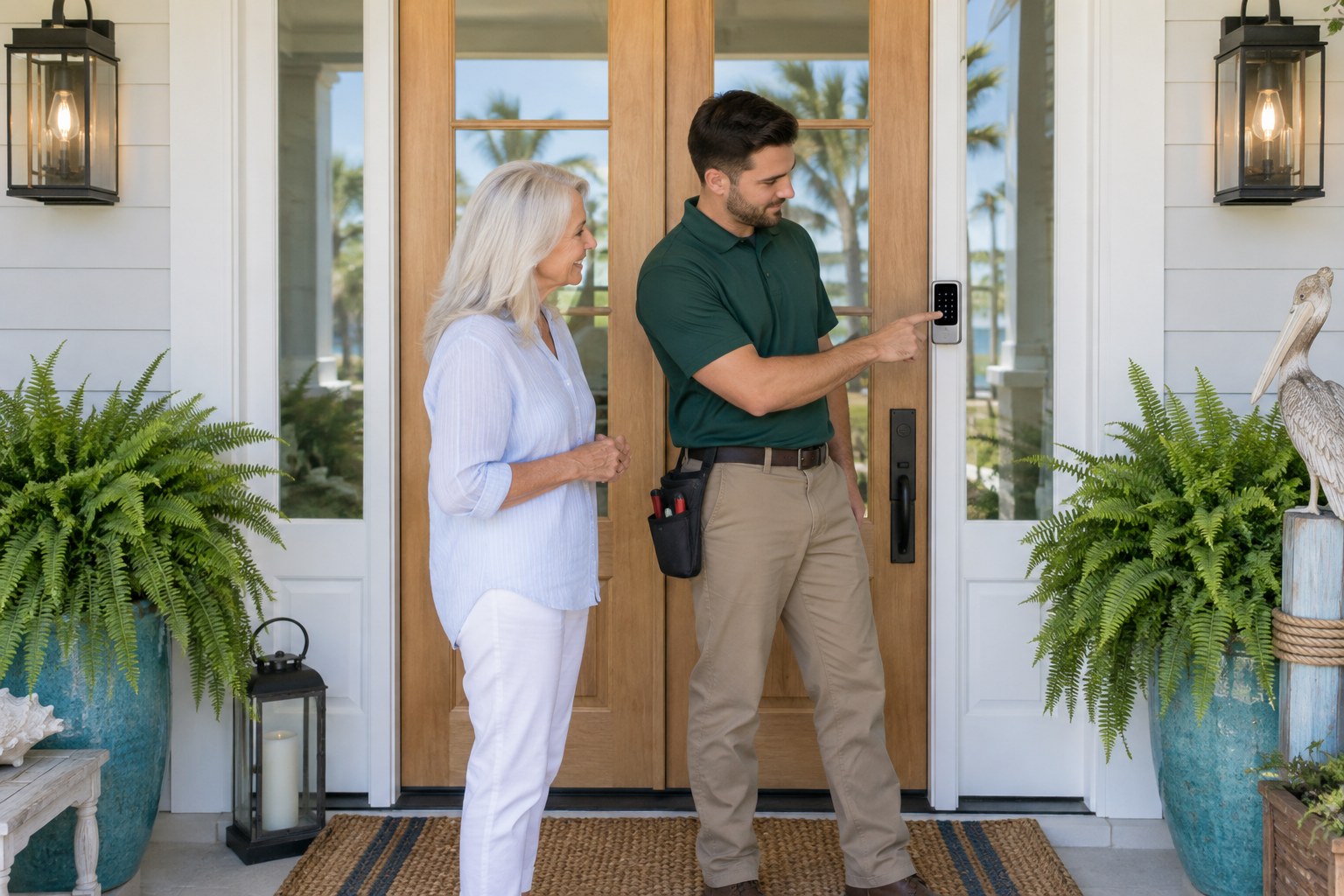
Start with what exactly is failing
Before changing anything, work out which part of the lock misbehaves. Does the keypad light up? Does the motor make any sound? Does the app show the lock as connected? Does the key still work? Each answer narrows the field. A lock with a dead keypad and a working motor points to a different fault than one whose motor hums but does not move the bolt.
Try each way of entry in turn. If the code works but the app does not, the problem is likely connectivity or the account. If the app works but the code does not, the code may have been removed, the lock may be in a lockout state, or the keypad may be damaged. If nothing works electronically, batteries are the first suspect.
Write down what you observe, including any lights, tones or messages. Note when the problem started and whether anything changed beforehand: new batteries, a router replacement, a storm, an app update or a change in door alignment. These details are enormously helpful if you need to call for help, and they often lead you to the cause on your own.
Batteries: the most common culprit
Most smart lock faults come down to batteries. As they drain, the motor weakens, the keypad dims and the radio becomes unreliable. The lock may behave oddly before it stops entirely: slow movement, repeated retries, or intermittent connection. Replace all batteries together with fresh, good quality cells before assuming anything is broken.
Check the contacts. Corrosion, dirt or a bent terminal can stop power reaching the lock even with new batteries. Look for white or green deposits, and clean gently with a dry cloth or a slightly damp cotton swab, then let it dry. Make sure batteries are inserted the right way, and that the cover seats properly.
If new batteries do not last, look for the reason. A binding bolt makes the motor work harder and drains power. A weak network signal makes the lock repeat connection attempts. Cold or hot weather also affects battery life. A short lifespan is a symptom, and finding the cause prevents repeated frustration.
The door and bolt: a mechanical problem in disguise
Many electronic lock faults are really mechanical. With the door open, operate the bolt using the app or keypad, and see whether it extends and retracts smoothly. Then close the door and try again. If it works open but struggles shut, the bolt is rubbing on the strike or the door has shifted. The motor then stalls or reports a jam.
Coastal humidity makes doors swell and move. A lock that worked perfectly in cooler months may bind in a wet summer. Look for scrape marks on the strike plate or a bolt that does not enter its hole cleanly. Adjusting the strike, tightening hinges or easing the door edge usually restores smooth movement.
Do not force the bolt by hand repeatedly while the motor is engaged, as this can damage gears. Instead, disengage the lock if the model allows, and operate it manually using the key. If the lock tends to jam, have the door checked by a technician. Fixing the alignment protects the motor and gives better battery life.
Connection problems: Wi-Fi, Bluetooth and hubs
If the app cannot reach the lock, check the basics. Is your phone connected to the network? Has the router been restarted or replaced? Did the network name or password change? A lock that connected perfectly yesterday may have lost its link when the router was rebooted, particularly if the router assigns different addresses.
For locks using a bridge or hub, check that the bridge has power and is connected to the router. A bridge that has been unplugged for a vacuum cleaner is a classic culprit. Check that lights on the hub show a normal state. Restarting the hub, then the lock, often restores contact. Wait for each device to settle before trying the next step.
Bluetooth locks only work when your phone is within range. Walls, doors and interference can shorten it. If the lock responds when you stand right next to it but not from the driveway, range is the limit. Moving the router, adding a bridge or using a different method of control may solve it. Remote features need a network connection of some kind.
Pairing, accounts and app issues
Sometimes the lock is fine and the app is the problem. After a phone update, the app may need updating too. Log out and back in, check that notifications and Bluetooth permissions are on, and confirm that the account is still active. If the app shows the lock as offline, try removing and re adding it, following the maker's instructions carefully.
Removing a lock from an account can erase its settings, including user codes. Before doing so, note the existing codes and schedules, if you can. Re pairing is usually straightforward, but it takes time and requires being near the lock. Do not attempt it when you are locked out and in a hurry; use the key or another method first.
If several people use the lock, check which account is the owner. A guest may lose access if the owner changes something. Make sure that whoever manages the lock knows the credentials. A forgotten password and an unreachable email address can turn a small fault into a long recovery. Keep account details in a safe place.
Firmware, updates and software glitches
Smart locks run software, and software has bugs. Manufacturers release updates that fix faults and improve reliability. A lock with old firmware may behave strangely after a phone or hub update. Check the app for available updates, and install them while you are at home with good battery levels, not during a hurry.
Occasionally an update goes wrong. If the lock behaves strangely right after an update, restart it by removing and replacing the batteries, following the guidance for your model. A factory reset is a last resort, since it erases settings and codes. Know the reset procedure before you need it, and check whether the maker has posted known issues.
Be wary of unofficial fixes found online. Opening the lock or altering its software can void support and create security risks. If a problem persists after sensible steps, contact the manufacturer or a technician. A reliable lock should not require constant tinkering, and repeated glitches point to a deeper issue.
Keypad and touchscreen faults
Keypads exposed to the weather can misbehave. Buttons may stick or fail to register, touchscreens may respond erratically in rain, and backlights may fade. Wipe the surface with a soft damp cloth and dry it. Salt film and dirt interfere with touch sensors. Avoid harsh cleaners, which can damage coatings and seals.
If only some digits fail, the keypad itself may be damaged or worn. Moisture inside the unit can corrode contacts. A keypad that works after drying but fails again in humid weather suggests water ingress. Replacement of the exterior unit may be needed. Not all models allow this, so check what is available.
Wrong code lockouts are another factor. Many locks disable the keypad for a while after several wrong entries. Wait for the lockout to end, then try again slowly. If you have forgotten the code, use the app, the key or another valid method. Reset the code once you are back in. Avoid guessing repeatedly, since this extends the lockout.
- Wipe the keypad and let it dry fully
- Wait out any lockout before trying again
- Use the key or app instead of repeated guessing
- Note which digits fail, as it helps diagnosis
Motor and gear faults
If the motor whirs but the bolt does not move, internal gears may have stripped or the coupling to the bolt may have slipped. If the motor makes grinding noises, something is binding. If it clicks and stops, the batteries may be too weak or the bolt is jammed. These sounds give clues about what has failed.
Retrofit locks that turn a thumb turn can slip if mounted loosely or if the thumb turn shape differs from what the lock expects. Re seating and recalibrating may fix it. Full replacement locks have a motor built into the latch assembly, and a failed motor usually means replacing the internal unit.
Motor faults are less common than battery or alignment issues, and they tend to develop after long use or in harsh conditions. Heat, humidity and salt accelerate wear. A technician can open the lock, test the mechanism and tell you whether repair is possible. Many manufacturers support replacement parts for a limited time.
Locked out of a smart lock
If you are locked out, begin with the simplest methods. Try the keypad code, then the app, then the key if the lock has a cylinder. If the batteries have died and your lock has an emergency power contact, hold a nine volt battery to it to wake the keypad. Use a different household door if safe, or ask someone with a valid code.
If none of these work, call us to confirm availability. A locksmith checks ownership or authority before opening any door. Have identification showing the address, or other proof that you live there. A technician can open many smart locks without damage, though the method depends on the model and the state of the door.
Avoid forcing the lock or trying to bypass the electronics with improvised tools. Doing so risks damaging the bolt or the door and can turn a small problem into a major repair. Once you are back inside, replace the batteries, test the lock and write down what happened. Understanding the failure helps prevent a repeat.
Storms, power cuts and humidity
Hurricane season tests smart locks. Power cuts can take down the router and the bridge, leaving remote features unavailable even though the lock itself works. Storms also bring moisture and wind driven rain that can find its way into keypads. After major weather, check the lock thoroughly, including its response to the keypad and its battery level.
Humidity can cause temporary faults. Condensation inside a keypad may produce phantom key presses or unresponsive buttons that clear when dry. Silica gel packs are sometimes used inside the interior assembly to absorb moisture, though check whether your maker allows this. Persistent condensation points to a seal that has failed.
Keep a plan for outages. Know the code, hold the key and have spare batteries. If the lock is your main way in, consider keeping a conventional key with a trusted person. A lock that relies on a network connection to unlock is a poor choice for a household that is often affected by outages, so choose models that work locally.
When to repair, replace or step back to a mechanical lock
Some faults justify repair: a loose mounting, a dirty contact, a misaligned strike, a worn cable. Others, such as a failed motor in an old unit or a keypad water damaged beyond saving, point to replacement. If your lock is out of support and repeatedly failing, a newer model may be more sensible than continuing to repair.
Some households decide that a smart lock is more trouble than benefit. There is no shame in returning to a good mechanical deadbolt or a simple keypad lock. These are more forgiving of neglect and need little attention. A technician can help you make the switch and rekey the lock so previous codes and keys are no longer valid.
Whatever you choose, aim for a door that works reliably. Fix the alignment, protect the hardware from the weather and keep a backup way in. Call us for advice on whether to repair or replace; we will explain the options. The best lock is the one that opens when you need it and stays shut when you do not.
A simple routine that prevents most faults
Most smart lock trouble can be headed off with a small routine. Once a month, lock and unlock the door by every method you use: code, app, key and the interior control. If any of them feels slow or inconsistent, investigate while the door is still working. Catching a weakening battery or a slightly binding bolt early avoids a lockout at an awkward hour.
Twice a year, tidy the physical side. Wipe the keypad, clean the strike plate and bolt hole, and put a small amount of lock safe lubricant on the bolt. Tighten the mounting screws, which loosen with repeated use. Check the weather seal and the threshold for signs of water. These simple actions take minutes and extend the life of the entire assembly.
Keep a short record on paper: battery change dates, the date of the last firmware update, and the location of the backup key. When something goes wrong, this note saves time and prevents guesswork. Share the routine with anyone else in the home who might need to deal with the lock, so a single person is not the only one who knows what to do.
Keeping a written fault log that shortens the repair
Smart lock problems are often intermittent, which is the hardest kind to fix. A lock may work all week and then refuse to respond only when it is raining, or only after a certain time of day, or only when the phone is far from the door. A technician cannot see any of that during a short visit. If you keep a simple log on paper or in your phone, noting the date, the symptom and what was happening around the house, the pattern often becomes clear to you before we arrive, and it gives us a head start.
Useful details include whether the lock beeps or lights up, whether the door was open or closed, which user tried to enter, whether the app showed any message, and whether anything changed recently, such as new batteries, a router replacement, a software update or a different weather pattern. Photographs help too. A picture of the error light, of the keypad when it fails, or of the gap between the door and frame gives us information that a verbal description rarely captures well.
Try to separate one-off glitches from repeated ones. A single missed command after a power flicker is ordinary. The same fault three times in a week is a signal worth acting on. Tell us how often it happens and how long it has been going on. If you have already tried steps such as new batteries or re-pairing, list them so that we do not repeat them. A clear history can turn a vague complaint into a short, targeted repair, and it helps us decide honestly whether repair, replacement or a return to a mechanical lock makes the most sense.
Getting help and what to tell us
When you call, describe the lock's brand and model if you know them, and what happens when you try each method of entry. Mention recent changes such as new batteries, a router change or a storm. Photos of the lock and the strike help. Quotes are given by phone based on what you describe.
If the problem looks complicated, a technician visits and the service call charge is explained before dispatch. Call us to confirm availability for your area. Have proof of ownership or authority ready, because a locksmith checks before working on any lock.
During the visit, expect testing of the door, the bolt, the batteries and the connection, in that order. You may be asked to demonstrate the problem. Afterward, ask for a short explanation of what failed and how to avoid it. A clear diagnosis turns a frustrating fault into a fixed one, and gives you confidence in your lock again.
Questions people ask us
My smart lock stopped working. What should I check first?
Replace the batteries with fresh, good quality ones and check the contacts. Then test whether the bolt moves smoothly by hand with the door open. Most faults come from weak batteries, door alignment or lost connection.
Why does my lock work with the door open but not closed?
The bolt is probably rubbing on the strike because the door has shifted or swollen. Adjusting the strike or hinges usually fixes it. A binding bolt also drains batteries quickly.
The app says my lock is offline. What now?
Check your phone connection, the router and any bridge or hub. Restart the hub, then the lock. Confirm that the account and app are up to date. Use the keypad or key meanwhile.
Should I factory reset the lock?
Only as a last resort, since it erases settings and codes. Try batteries, alignment, restarting and updates first. Know the reset steps for your model before you need them.
What if I am locked out and nothing works?
Try the code, the app, the key and the emergency power contact if present. If still stuck, call us to confirm availability. A locksmith checks ownership or authority and can often open the door without damage.