
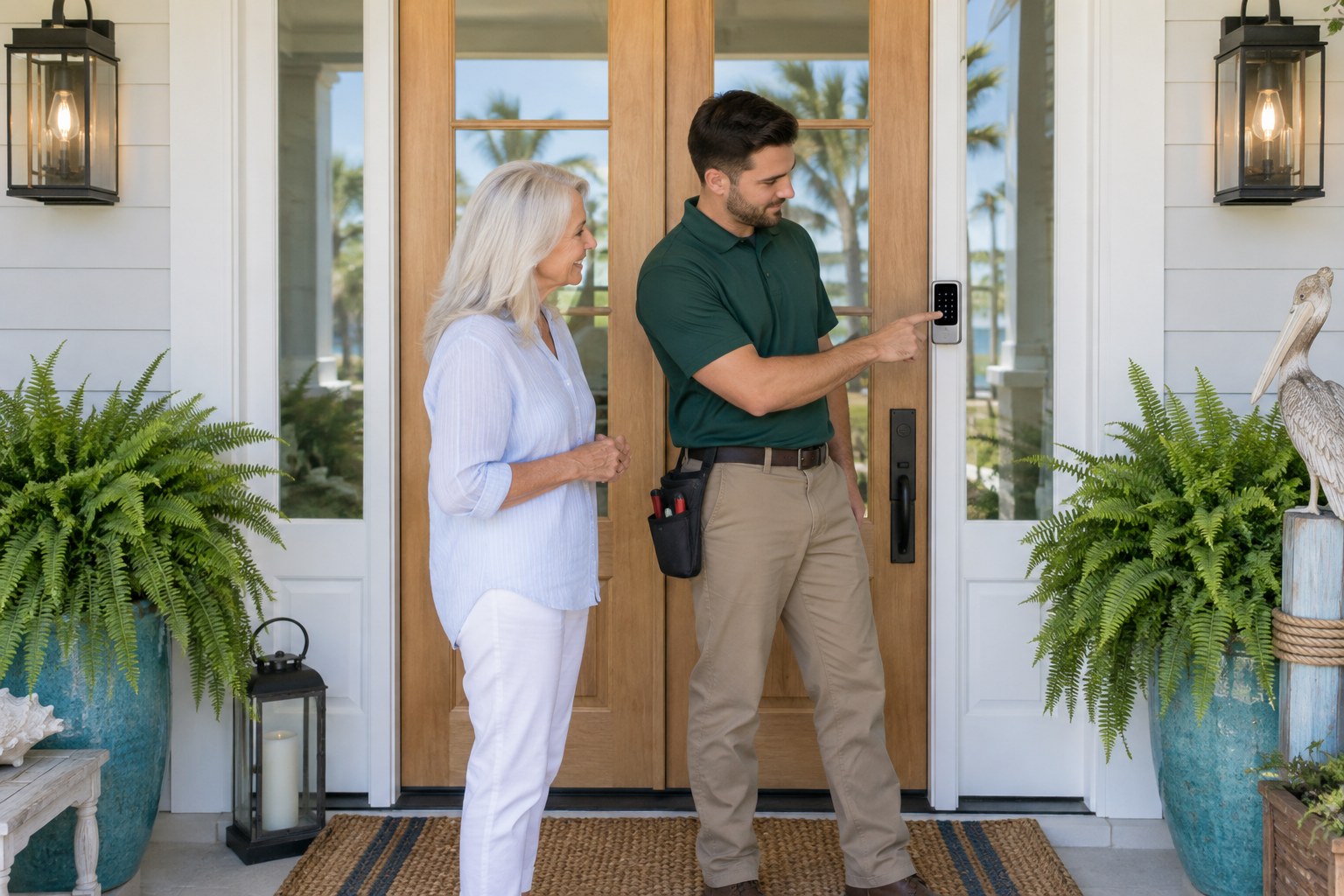
Think of the lock as a front door and a front gate
With a regular deadbolt, the only way in is through the door. With a smart lock, there is a second path: the app, the account, and the network. Someone who can sign in to your lock account may be able to open your door without touching it. That is why account security belongs in the same conversation as bolt strength.
Most homes will never face a determined attacker, but ordinary carelessness is the real threat. A reused password, a shared login, or a phone left unlocked on a table is how most trouble starts. The goal is not to become an expert but to close the easy openings that cause nearly all problems.
The basics fall into a handful of habits: a strong account, careful codes, updated software, a clean list of users, a working backup key, and a sound physical door. Each one is simple on its own. Together they make a connected lock as dependable as a good mechanical one, and often more informative.
The sections below take these habits in turn. You can complete most of them in an afternoon, and review them twice a year.
A useful way to judge any setup is to ask what happens at each step if something goes wrong. If the phone is lost, what protects the account? If the internet is down, can the door still be opened? If a code leaks, how fast can it be removed? If you can answer these questions calmly, your setup is in good shape. If you cannot, that is where to start.
Secure the account behind the lock
Start with the password. Use a long, unique one that you do not use anywhere else. A passphrase made of several unrelated words is easier to remember and harder to guess than a short mix of symbols. Avoid names, birthdays, addresses, and anything a stranger could find on social media.
Turn on two-step sign-in if the maker offers it. This asks for a second proof, such as a code sent to your phone, whenever someone signs in from a new device. Even if your password leaks, the extra step blocks most attempts. It takes a minute to set up and adds a lot of protection.
Use a trusted password manager to store credentials. It creates strong passwords and fills them in for you, so you are not tempted to reuse or write them down. Protect the manager itself with a strong main password and two-step sign-in.
Keep the recovery email and phone number up to date and secure. These are what a thief uses to reset a password. If you change your number or close an old email, update the lock account right away.
Beware of messages that claim your lock account has a problem and ask you to click a link or enter your login. Scammers imitate device makers because owners are used to updates and alerts. Open the official app yourself rather than following a link, and never share a verification code with anyone who contacts you.
Choose and manage access codes carefully
Keypad codes are convenient, and convenience is where habits slip. Avoid obvious choices such as 1234, repeated digits, a birth year, or the last digits of your phone number. A longer code is better than a short one, if your lock allows. Do not use the same code for several people.
Give each person their own code so you can tell who entered and remove access without disrupting others. A cleaner, a dog walker, and a family member should have separate codes. When someone no longer needs access, delete their code the same day. A forgotten code is a standing invitation.
Where possible, use scheduled or temporary codes for visitors and workers. A code that works for a few hours or a single day ends on its own. This is helpful for contractors, guests, and delivery needs. Review these codes after use to confirm they have expired.
Shield the keypad when you enter a code, especially in public view. Keypads that show wear on frequently pressed buttons can hint at the code. Some locks let you add extra random digits before or after the real code to hide it, and this feature is worth turning on.
Keep a private list of which code belongs to whom, stored in your password manager or another secure place, not on a note by the door. Review it every few months. People often discover codes for former helpers, old tenants, or temporary workers that remained active far longer than intended, and removing them takes only a minute.
Keep firmware and the app updated
Firmware is the software inside the lock. Makers release updates to fix bugs and close security gaps. If your lock offers automatic updates, turn them on. If it requires you to install them, set a reminder to check every few months. An unpatched lock is more likely to have known weaknesses.
Update the app on your phone as well, and keep your phone's operating system current. Old apps can have flaws that are fixed in newer versions. Download apps only from the official store, and avoid unofficial versions.
Read update notes briefly, especially for changes to permissions or access settings. Occasionally an update changes defaults. After an update, check that your codes, schedules, and users are still as you set them. A quick test of the lock from outside confirms that nothing has broken.
Be mindful of timing. Do not install a major update right before a trip or when guests are arriving. Install it when you are home, so you can test the lock and fix any issue. Keep your backup key handy while you do it.
If your lock stops working properly after an update, do not panic. Check the maker's support page, restart the app, and replace the batteries, which resolves many issues. If it still fails, use your backup key and arrange for service. Having a way in that does not depend on the update is what makes these moments minor.
Write down the model and the firmware version once in a while. If a problem appears, that information helps support staff and technicians understand what you have. It also lets you check whether a published security notice applies to your device. A simple note in your records is enough.
Read the access log, and use it
Many smart locks record when and how the door was opened or locked. This log can show unusual patterns, such as entries at odd hours, repeated failed attempts, or a code used when its owner was away. Looking at it now and then makes you more aware of what is happening at your door.
Set a habit of checking the log weekly or monthly, depending on how busy the household is. After a trip, a party, or a repair visit, review what happened. If you see an entry you cannot explain, investigate right away. Change the code, and check who might have known it.
Use notifications wisely. An alert each time the door opens can become noise that you ignore. Consider alerts only for unusual events, such as a failed code, a door left unlocked, or an entry when you set the home to away mode. Targeted alerts are more likely to get your attention.
Know the limits of a log. It records events the lock detects, not everything that may happen to the door. A forced door or a broken window will not appear. The log is one tool among several.
Households with teenagers or several adults may want to talk about the log openly. Explain what it records and why, so nobody feels watched. Used well, it protects people and helps sort out simple questions like who left the door unlocked, rather than becoming a source of tension at home.
Network and phone habits
A lock that connects through Wi-Fi depends on your home network. Change the default router password, use a strong Wi-Fi password, and enable modern encryption. Keep the router's software updated. A weak network can expose every connected device, not just the lock.
Consider placing smart devices on a separate guest or device network if your router supports it. This keeps them apart from computers and phones that hold your personal data. It is an optional step but a good one for a household with many connected gadgets.
Protect your phone, since it may act as your key. Use a screen lock with a code or biometric, enable remote lock and wipe features, and do not leave the phone unattended and unlocked. If you lose the phone, remove it from the lock's account immediately from another device.
Be careful with public Wi-Fi when managing your lock. Avoid signing in or changing settings on an open network. Use your mobile connection instead, or wait until you are home. Small cautions like this reduce the chance of someone capturing your login.
Do not forget the hub or bridge, if your lock uses one. It is another device with its own password and updates. Place it somewhere safe and powered reliably, and treat it like any other network device. If it fails, remote features stop, so know how to restart it and where its settings live.
Keep a mechanical backup and test it
Every smart lock should have a reliable way in when the electronics fail. Many include a physical key cylinder. Others have a way to supply temporary power. Know which yours has, and keep the backup key in a safe place that you can reach in an emergency, such as with a trusted neighbor or in a secure box at home.
Test the backup now and then. A key that has not been used in a year may stick in a humid climate. Insert and turn it, and apply a dry lubricant if needed. If the cylinder is hard to turn, have it serviced before you depend on it.
Remember that a physical keyway is also a path for attack. Make sure the cylinder is a good one, and that it is rekeyed if you have lost keys. A technician can rekey or replace it after confirming that you own the home or have the owner's permission.
If your lock has no physical key option, think carefully about what you would do in a long power outage or a battery failure. Make sure there is another way into the house, such as a different door with a conventional lock.
Think about a storm scenario. Power and internet can be out for days, and you may be away. A battery-powered lock with a physical key option keeps working, and a trusted neighbor holding a key can help you reach the house afterward. Plan these details before the season starts, not when a warning is issued.
The door and frame still matter
The best software cannot fix a weak door. Check that the deadbolt has a solid bolt that extends into a reinforced strike plate, fastened with long screws into the framing. Test the door for flex or movement. A kick or shoulder against a weak frame can succeed regardless of the lock's intelligence.
Consider the door material. A hollow door can be broken near the lock. A solid door with a reinforced edge is much stronger. If the frame is cracked or soft, repair it before adding a lock. A technician can inspect the opening and tell you what it needs.
Look at the surroundings too. Good lighting, clear sightlines, and neighbors who know you contribute to safety. The smart lock is one layer among many. A balanced approach beats leaning heavily on any one measure.
In coastal homes, protect the electronics from moisture and salt. Wipe the keypad, check the battery compartment, and test the lock after storms. Hardware that is clean and dry works longer and fails less often.
Hinges and the hinge side of the door deserve a look as well. A door that opens outward with exposed hinge pins can be removed from the frame no matter what lock sits on the other side. Security pins or set screws fix this. It is a small detail that gets forgotten when attention turns to the electronic side of the lock.
Deciding who gets a code and how long it lasts
Every person with access to a smart lock is a small, ongoing decision. Family members who live in the house need permanent codes tied to their own names so the log shows who came in. A dog walker or cleaner needs something narrower: a code that works only on certain days and hours, if the lock supports scheduling. Contractors and one-time visitors should get a temporary code that expires on its own, because a person who forgets to delete it will not be the one who is blamed later.
A simple routine keeps the list honest. Once a season, open the user list and read it slowly. For every entry ask whether that person still needs to come in, and whether the access level matches what they actually do. Remove anything you cannot explain. If two people share one code, give each their own, because a shared code tells you nothing when something goes missing and cannot be removed for one person without disrupting the other.
Guest and rental situations call for extra care. After a tenant, houseguest, or short-term renter leaves, delete their entry the same day instead of promising yourself you will get to it. If a lock offers a one-time or auto-expiring code, use it for deliveries and repairs. A technician working on your door can be given a code for the visit and then lose it, which is cleaner than lending a spare key that might never come back.
Moving, selling, renting, and resetting
When you buy a home with a smart lock, assume the previous owner still has access. Perform a full factory reset, remove old accounts, and create new codes under your own account. Do not rely on the seller to have done it. Check every connected device in the house at the same time.
When you sell or leave a rental, reset the lock and remove your account. Hand over the manual and any backup keys. Leaving a lock tied to your account means you may still control access to someone else's home, which causes problems for both of you.
Landlords and managers should keep a clear record of who administers each lock and how codes are issued. Change codes between tenants. A shared master code that never changes is a weak point.
If you want help with installation, rekeying the backup cylinder, or reinforcing the door, call us. Quotes are given by phone, and call us to confirm availability. If the job is complicated, a technician visits and the service call charge is explained before dispatch. Before any work, the locksmith confirms that you own the home or have the owner's permission.
Guests staying with you for more than a few days can be given a temporary code and a short orientation on how the lock works, including how to lock up when leaving. A quick walk-through at the door avoids the most common problem, which is a door left unlocked because a guest was unsure how the keypad behaves.
Questions people ask us
What is the most important smart lock security step?
A strong, unique password with two-step sign-in on the lock account, because that account can open your door. After that, use unique codes for each person and delete old ones promptly.
How often should I update my lock's firmware?
Turn on automatic updates if offered. Otherwise check every few months. Install updates when you are home so you can test the lock and keep your backup key handy.
Should I check the access log?
Yes, weekly or monthly, and after trips or visitors. Unfamiliar entries, odd hours, or repeated failed attempts are reasons to change codes and look into what happened.
What if I lose my phone and it is my lock key?
Use another device to remove the lost phone from the lock account and change your password. Keep a mechanical backup key or code so you can still enter the home.
What should I do with a smart lock in a new home?
Factory reset it, remove old accounts, and set new codes under your own account. Do not assume the previous owner removed access. Rekeying the backup cylinder is also wise.